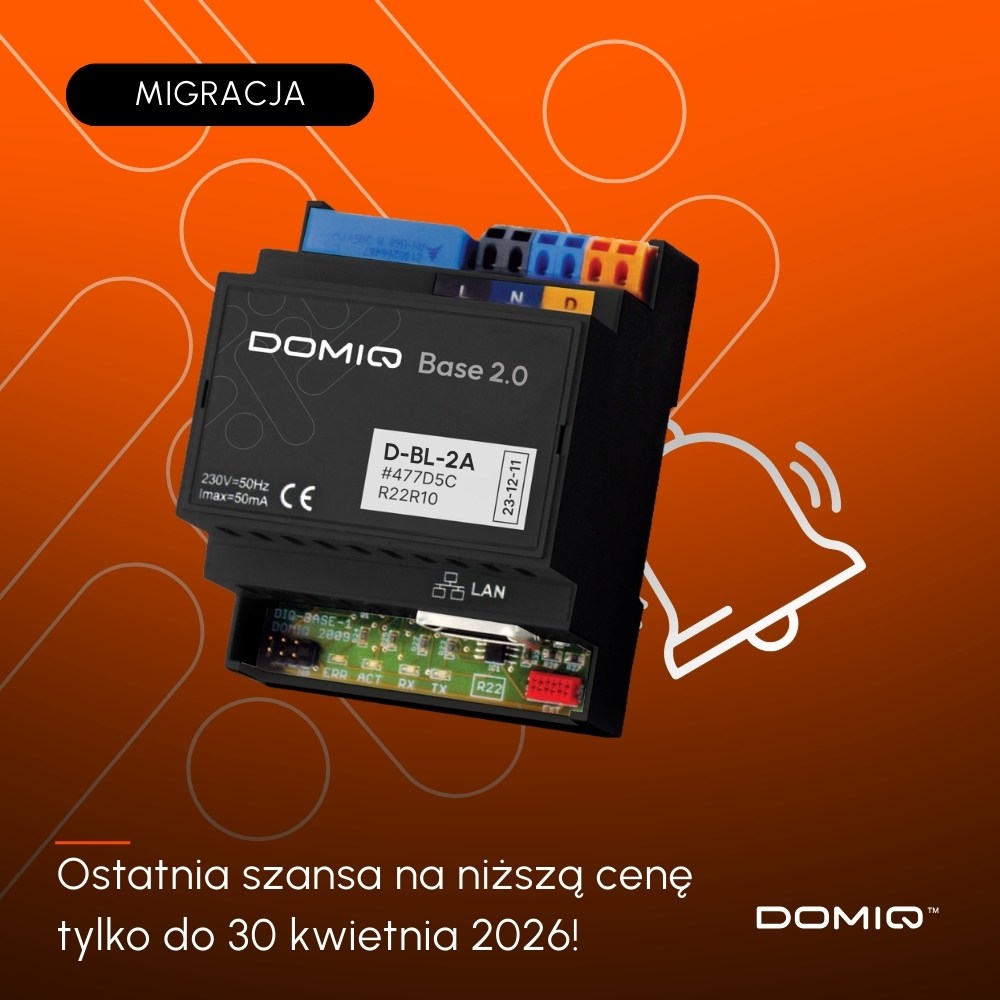
Today we released an update for the DOMIQ/Base 2.0 modules.
Update for DOMIQ Base 2.0
- New: Access the Base module by name instead of IP address (mDNS).
Accessing the module’s configuration interface has become much easier. From now on, you no longer need to look up or enter the device’s IP address in your browser. You can use an easy-to-remember name. There are two types of names available:
1. Default option: domiq-serial-number.local.
If your module’s serial number is AABBCC, then use the name: domiq-aabbcc.local.
2. Custom name: module-name.local, where module-name is the name entered in the Settings tab.
Polish characters used in the name will be replaced by equivalent letters without Polish characters. Spaces and other characters will be replaced by a hyphen. Example: If the name Daszyńskiego 44 was used, it will be changed to daszynskiego-44, and the module will be accessible at: daszynskiego-44.local
This feature works automatically on the local network—no additional configuration is required. - New: We’ve added integration with e-Tauron energy meters.
- New: We’ve added integration with the Pstryk system.
- New: We’ve added scenes triggered by scanning NFC tags.
- We have fixed a bug related to resetting the module to factory settings.
- A new implementation of an HTTP client with TLS support.
- Other changes
Configurator
- We have added an interface for integration with the Tauron e-meter.
- We’ve added an interface for integration with Pstryk.
- We have added the ability to assign descriptions to DALI lighting groups.
- We have standardized values in the range of 0–100 for all DALI commands.
- We’ve added support for NFC tags in Events.
- We have corrected the image links in the Integrations tab.
- We’ve updated the favicon for the configurator.
- Other amendments.
Note: As previously announced, the new features are available only in the new DOMIQ Base 2.0 module.